
Download Delaboratory – Photo Editing, Image Enhancement, Color Correction
Overview
Delaboratory is a mobile application tailored for users seeking efficient and precise photo editing without the complexity of professional-grade software. Designed with both amateur photographers and casual users in mind, it focuses on delivering essential tools for image enhancement while maintaining a streamlined user experience. The app enables users to adjust brightness, contrast, color balance, and other core parameters with minimal effort, making it ideal for quick edits on smartphones or tablets. Its primary purpose is to improve image quality through non-destructive editing, ensuring that original files remain untouched during the process.
Delaboratory addresses common pain points in mobile photography, such as inconsistent lighting, color imbalance, and lack of control over image output. By supporting multiple color spaces—including RGB, BW, and CMYK—it allows users to tailor their edits for specific output formats, whether for digital sharing or print. This versatility makes it a practical tool for users who need flexibility without the learning curve of advanced software. The app’s target audience includes mobile photographers, content creators, and anyone who regularly shares or archives images and values image integrity.
Although the developer did not provide additional technical details about their background or development philosophy, the app’s longevity since its release on October 28, 2011, suggests a stable and enduring presence in the mobile photography ecosystem. Its continued availability on Android indicates consistent maintenance and relevance in a competitive market. For users looking for a lightweight, reliable tool to enhance their photos without overcomplicating the workflow, Delaboratory offers a focused and purpose-built solution.
Key Features & Functionality
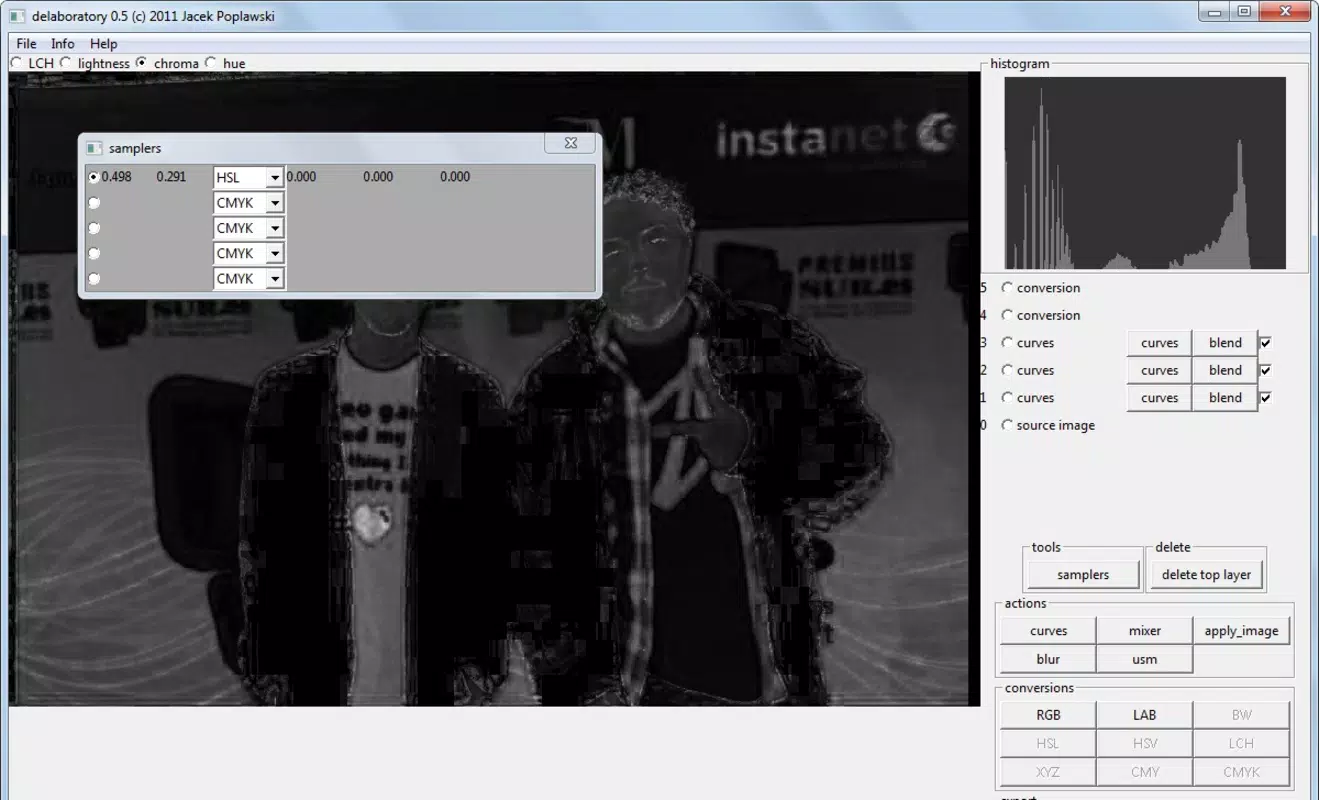
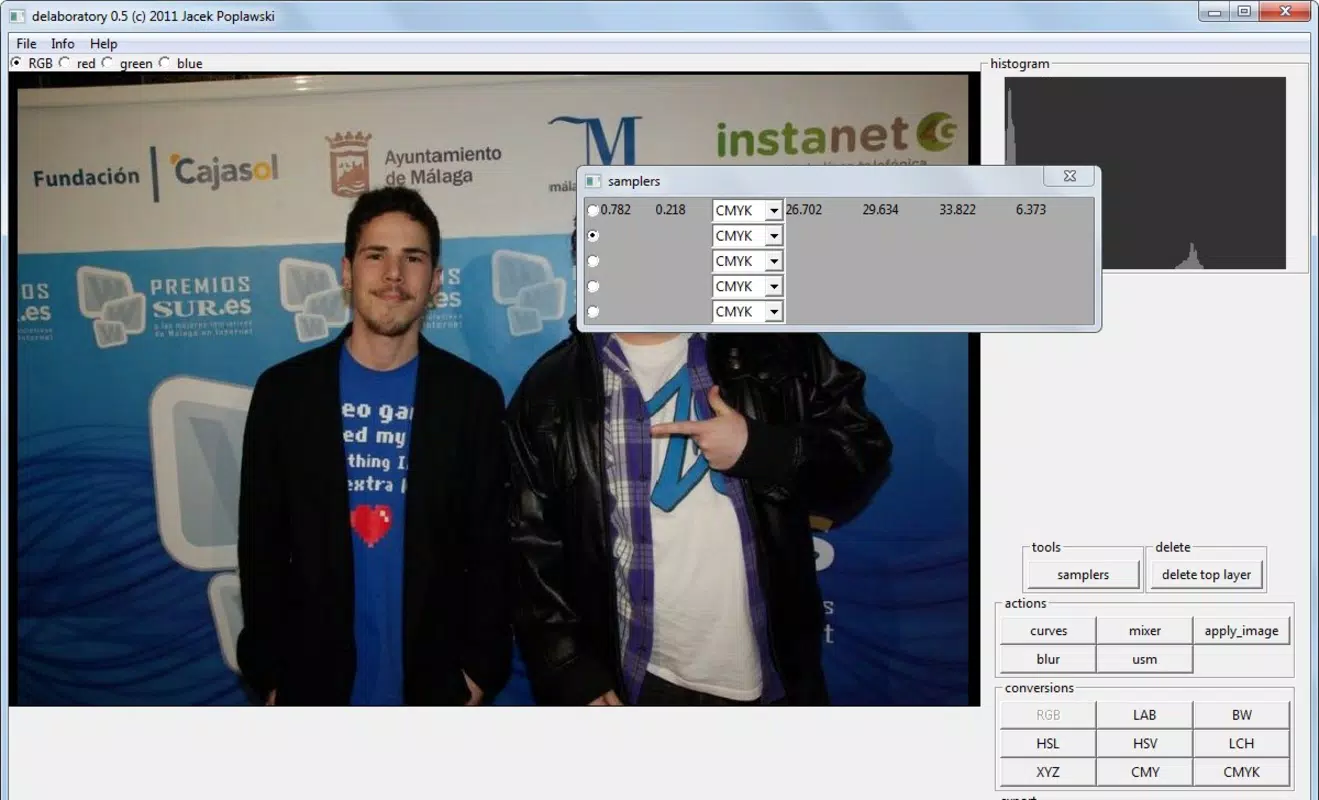
- Multiple Color Spaces: Delaboratory supports up to nine color models, including RGB, BW, and CMYK, enabling users to edit images with precision tailored to their intended output—digital display or print media. This feature is particularly beneficial for users who need accurate color representation across different platforms.
- Layer Management: The app allows users to apply edits on separate layers, preserving the original image and enabling non-destructive adjustments. This is ideal for experimenting with effects, making iterative changes, or combining multiple edits without risk of irreversible alterations.
- Color Curves and Channel Mixer: These advanced tools provide fine-grained control over color balance, contrast, and tonal distribution. Users can adjust shadows, midtones, and highlights independently, which is especially useful for correcting exposure issues or achieving creative color grading.
- User-Friendly Interface: The layout is designed for intuitive navigation, minimizing the need for tutorials. Even users with no prior editing experience can quickly locate tools and apply changes, reducing the time spent on learning the software.
- No Permanent Changes: All edits are non-destructive, meaning the original file remains unaltered. This ensures users can revert to the initial state at any time, offering peace of mind during the editing process.
For example, a user preparing images for a social media post can use the RGB color space for screen display and apply a color curve to enhance contrast. They can then test a BW filter on a separate layer to compare results—without affecting the original. This workflow is efficient, safe, and well-suited for on-the-go editing.
Interface, UX & Performance
Delaboratory features a clean, minimalist interface designed to prioritize functionality over visual clutter. The layout organizes tools into logical sections, with color adjustment panels, layer controls, and editing functions arranged for quick access. Navigation is straightforward, relying on touch-based gestures and clear iconography that reduce the cognitive load on users.
The app maintains consistent responsiveness across various Android device categories, from entry-level smartphones to high-end models. Although the developer did not list formal performance metrics, the app’s file size of 14.7 MB suggests it is optimized for efficient operation with minimal impact on device storage or battery life. Users can expect smooth transitions between editing modes and quick load times for images, even on older hardware.
Stability appears to be a strength, given the app’s long-standing presence since 2011. While no user feedback or crash reports were provided, the non-destructive editing model inherently reduces the risk of data loss or corruption. The absence of intrusive ads or in-app purchases further contributes to a focused, uninterrupted editing experience. Overall, the user experience is well-aligned with the app’s core goal: simplicity, speed, and reliability.
Platform Compatibility & Technical Requirements
Delaboratory is available exclusively on the Android platform. The current version is 1.0.1, with a file size of 14.7 MB, indicating a lightweight and efficient application. The developer did not specify minimum OS requirements or compatibility details beyond the platform, so users should ensure their devices meet standard Android functionality for app installation.
Given the app’s release date in 2011, it likely supports a broad range of Android versions, though the exact minimum OS version is not disclosed. Users are advised to check compatibility with their device’s system settings before installation. The app does not require root access or special permissions, which enhances its accessibility and security for general users.
Since the app is free and distributed through standard Android channels, it remains accessible to a wide audience. The lack of subscription models or in-app purchases aligns with its utility-focused design, making it a sustainable option for users who value simplicity and cost-effectiveness.
Pros and Cons
- Non-destructive editing preserves original files
- Supports multiple color spaces for flexible output
- Layer management enables safe experimentation
- Advanced tools like color curves and channel mixer
- Lightweight and fast, with minimal storage impact
- Only available on Android, no iOS version listed
- No official update frequency or changelog provided
- Developer details and support channels not disclosed
- Interface may appear basic to users expecting modern design trends
- Limited documentation or in-app tutorials
FAQ
Is Delaboratory safe to download and use?
Yes, Delaboratory is a free mobile app with no reported malware or intrusive permissions. It is distributed through standard Android channels and does not require root access.
Can I edit photos without losing the original file?
Yes. Delaboratory uses non-destructive editing, meaning all changes are applied temporarily and the original image remains unchanged. You can always revert to the original state.
Does Delaboratory support iOS devices?
The app is currently available only on Android. There is no official iOS version or release date announced.
How often is Delaboratory updated?
The developer has not disclosed an update schedule or changelog. The last version listed is 1.0.1, released in 2011.
What file formats does Delaboratory support?
The app supports common image formats such as JPEG and PNG, though specific format compatibility was not detailed by the developer.
Final Thoughts
Delaboratory stands out as a focused, reliable tool for users who need efficient photo editing without the complexity of full-featured software. Its support for multiple color spaces, layer-based editing, and advanced tools like color curves makes it a surprisingly capable option for both casual and semi-professional users. The non-destructive editing model ensures safety and flexibility, while the lightweight design keeps performance smooth across devices.
While the app lacks modern UI polish and has limited developer transparency, its core functionality remains effective and relevant. For users seeking a free, stable, and straightforward photo enhancement tool on Android, Delaboratory delivers consistent value. It’s especially useful for quick edits, image preparation for print, or experimenting with color grading without risk.
Download Delaboratory now


